How Do You Use Video Summaries for Online Courses?
Updated Jul 22, 2026 · YS Summarizer
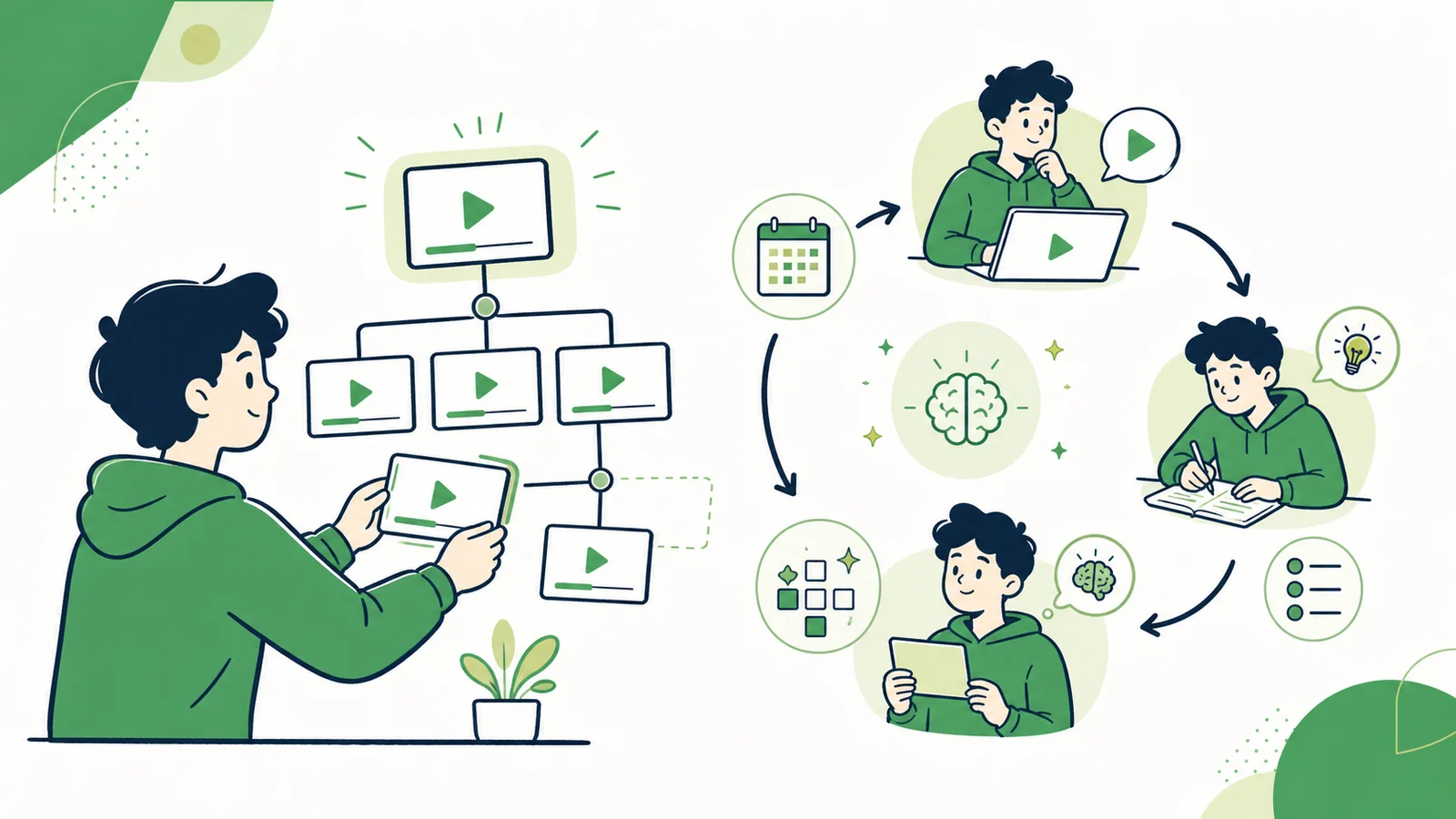
A note for one lesson answers “What did this video cover?” Learning a course also requires order, prerequisites, practice, and evidence that you can use the knowledge. Summaries can support that system without replacing active learning.
1. Build a course map
Record the course goal, lesson order, duration, and prerequisites. Give each lesson a one-sentence subject and three to five main points so you can plan time and sequence.
2. Preview each lesson
Before watching, read the summary and ask what you already know, which terms are unfamiliar, what question the lesson answers, and which demonstration requires full attention.
3. Add only what the summary lacks
During the lesson, record your own questions, useful examples, visual demonstrations, and practice results instead of copying the summary again.
4. Define completion by ability
“Video watched” is not a learning outcome. Use a test such as explaining three concepts without notes, solving a problem, or completing a deployment independently.
5. Review with active recall
Turn headings into questions and answer them before looking at the notes. Review difficult ideas after one day, one week, and a longer interval. Spend less time rereading familiar material.
6. Connect lessons
Periodically record which earlier concept a new lesson depends on, where two lessons disagree, and which practical problem combines several parts of the course.
Where a YouTube summarizer helps
Structured Summary creates a content map for one lesson, while Key Takeaways supports quick review. Each result is saved so you can organize lessons in your own course system.
Conclusion
Video summaries reduce preview and note-making time. Lasting learning still comes from questions, retrieval, practice, and connecting one lesson to the next.