How Do You Turn a YouTube Video into Study Notes?
Updated Jul 22, 2026 · YS Summarizer
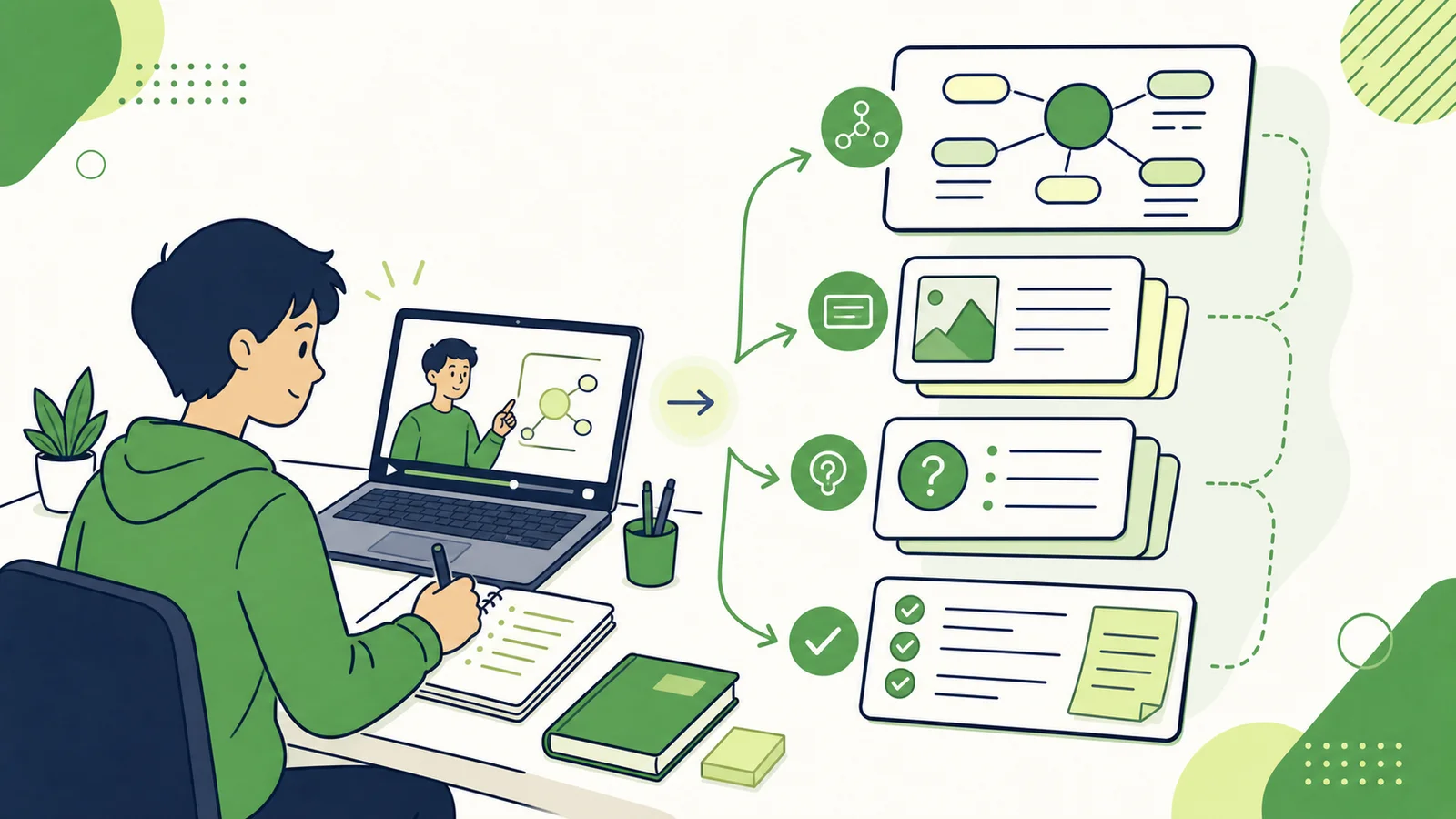
Reducing a lesson to a few conclusions is not the same as learning it. Useful study notes should explain concepts, preserve helpful examples, expose unanswered questions, and make later review easier.
Decide what the notes are for
Preview notes introduce the subject and its difficult parts. Notes taken while learning preserve explanations and questions. Review notes emphasize relationships and retrieval practice. One summary does not need to serve all three purposes.
1. Build a content map
Start with a structured summary. Identify the lesson's question, main sections, prerequisite knowledge, and the demonstrations that still need to be watched.
2. Organize the transcript as layered notes
- Learning goal: what you should be able to explain or do.
- Core concepts: definitions in clear language.
- Examples: cases that make each concept understandable.
- Connections: dependencies, contrasts, and combinations.
- Open questions: points that the transcript does not resolve.
Turn this transcript into study notes.
Explain the learning goal, concepts, examples, and relationships.
Add five self-test questions.
Use only the transcript and mark anything that requires the video visuals.
3. Add what text cannot show
Return to the original video for equations, software operations, experiments, diagrams, and changes shown on screen. Check names, figures, and quotations before relying on them.
4. Make the notes reviewable
Remove background you already know, turn important sections into questions and answers, compare easily confused concepts, and convert procedures into checklists. Review the questions after a day and again after a week.
Where a YouTube summarizer helps
A structured summary provides the initial content map, while key takeaways offer a quick review. The saved result and original-video link give you a practical starting point for your own notes.
Conclusion
Good study notes reorganize information for understanding and recall. Use the summary to see the structure, then add examples, questions, and visual details from the lesson.