How Do You Turn a Video Tutorial into an Action Checklist?
Updated Jul 22, 2026 · YS Summarizer
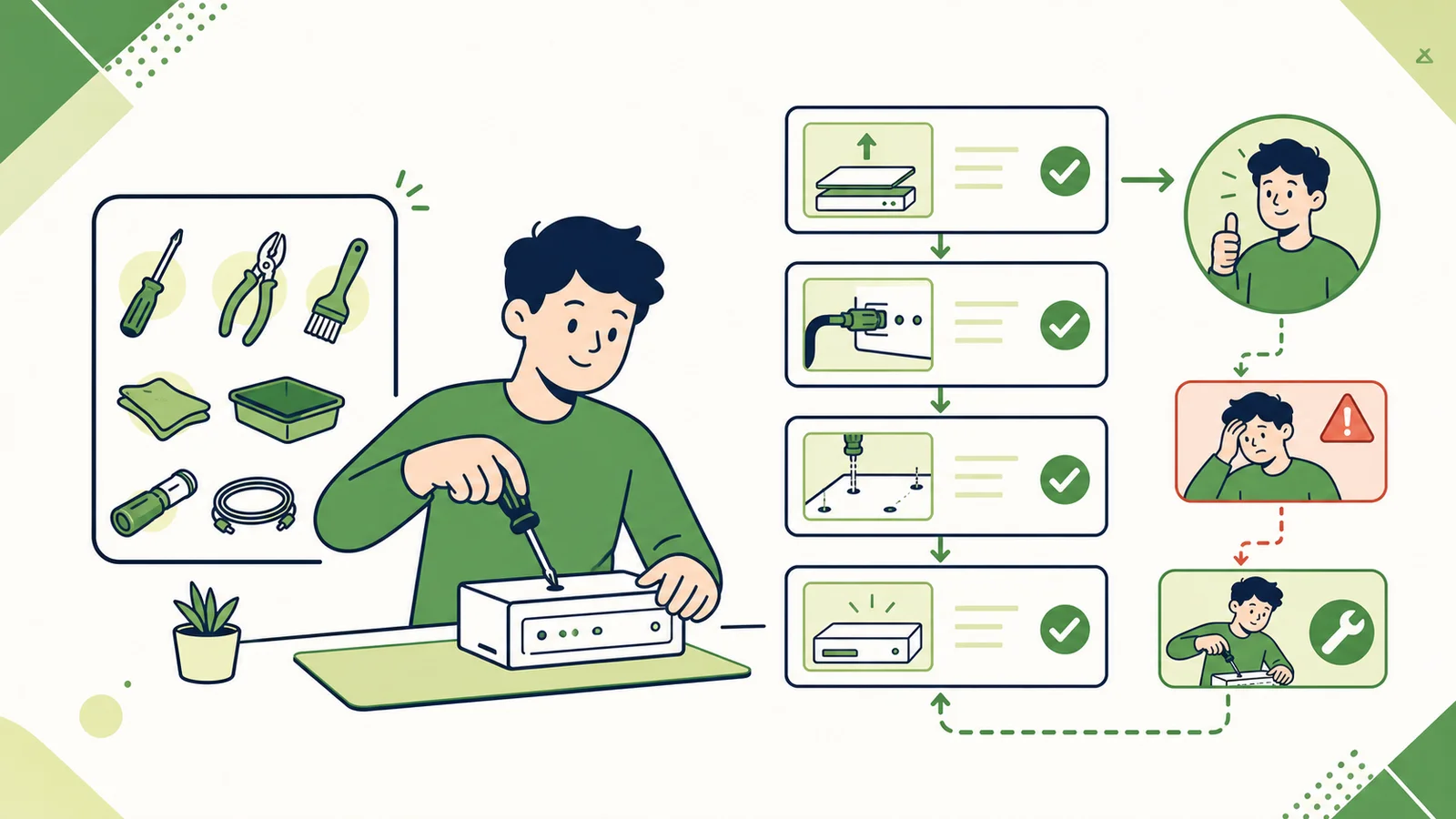
A summary that says “configure the settings and run the process” is not executable. A useful checklist preserves order, conditions, exact values, and the evidence that each step succeeded.
1. Define the final outcome
Describe what should exist or work at the end: a deployed service, a repaired device, a finished recipe, or a completed exercise. Without a clear result, it is impossible to judge whether the steps are sufficient.
2. Extract prerequisites
List tools, materials, permissions, versions, files, accounts, safety conditions, and starting state. Tutorials often mention these casually even though missing one can block the entire task.
3. Rewrite every step as an action
Start with a verb and preserve inputs, settings, values, paths, waiting periods, and expected output. Separate explanation from the action itself.
Convert this transcript into an action checklist.
List the outcome and prerequisites first.
Number the steps in their real order.
Preserve parameters, paths, waiting time, success criteria, common errors, and recovery actions.
Mark any step that requires checking the video visuals.
4. Add a success check
“Click Save” is an action. “The file appears in the selected folder” is a verification. A visible check after each major step catches mistakes early.
5. Restore visual details
Captions may not contain button locations, gestures, material condition, or changes on screen. Review those steps in the original video before relying on the checklist.
Where summaries help
Structured Summary helps identify phases, while Key Takeaways extracts major actions. The original-video link remains available when a step needs visual confirmation.
Conclusion
An executable checklist moves from “what the video discussed” to “what I do next.” Outcome, prerequisites, ordered actions, parameters, verification, and recovery all matter.